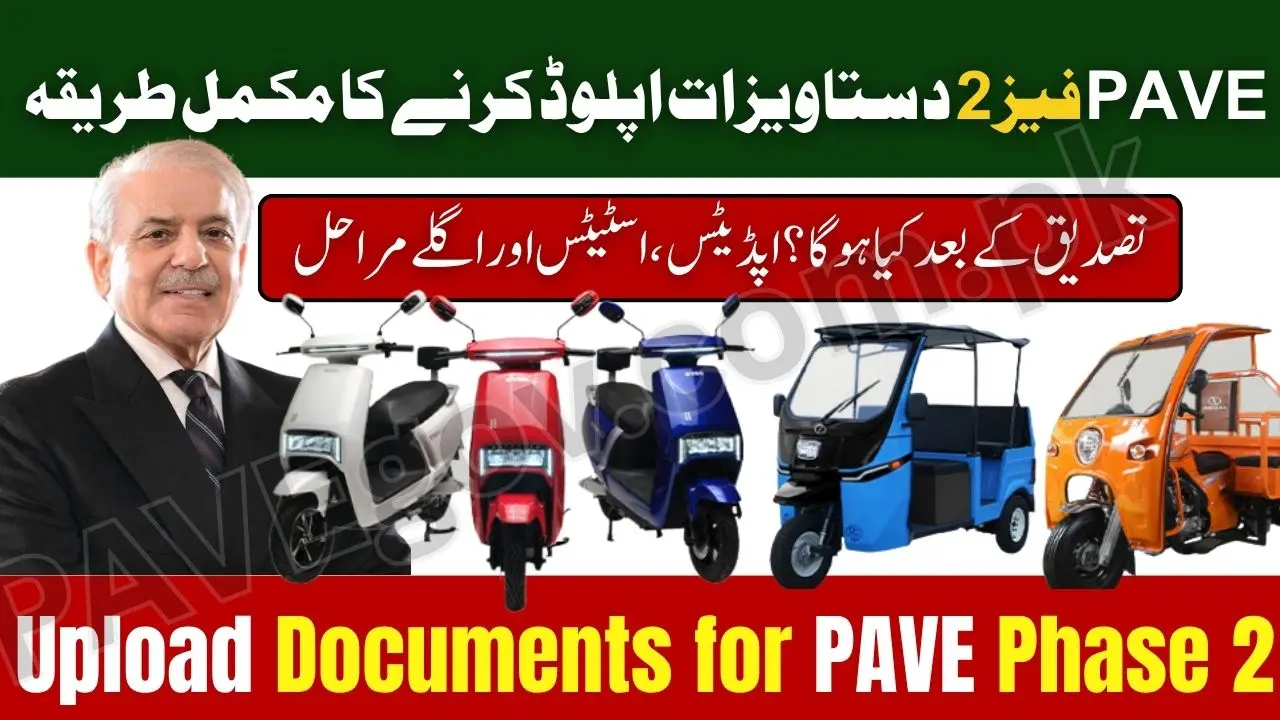
How to Upload Documents for PAVE Phase 2 2025 – Complete Step-by-Step Guide for Approval
The Punjab Government has officially launched the updated document submission system for PAVE applicants, making it easier and faster for citizens to upload all required files online. Whether you’re applying for an electric bike, electric rickshaw, or electric loader, learning How to Upload Documents for PAVE Phase 2 2025 is the most important part of your application. A single mistake during document upload can delay your verification or even cause rejection.
This complete guide explains the entire process step-by-step. You’ll learn how to upload CNIC, income proof, bank documents, photographs, and domicile correctly — all based on the official requirements for PAVE Phase 2.
The updated upload system is fully digital and designed to help students, women applicants, delivery riders, small shopkeepers, and low-income families finish their application smoothly.
⚡ Why Document Upload Matters in PAVE Phase 2
PAVE Phase 2 has stricter verification checks than Phase 1.
More than 65,000 EVs will be distributed in Phase 2, so the government must verify identities, incomes, and addresses accurately.
By uploading correct and readable documents:
- Your verification becomes faster
- Your application moves to scoring stage
- You become eligible for balloting
- You avoid delays and rejections
- You get SMS alerts on time
This makes learning How to Upload Documents for PAVE Phase 2 2025 extremely important.
Check Also: PAVE Phase 2 Bank Requirements 2025 – Complete List of Documents Needed for Loan Approval
🧾 Complete List of Required Documents for PAVE Phase 2
Here is the full updated list of documents you must upload:
| Document | Required For | Format |
|---|---|---|
| CNIC (Front + Back) | All applicants | JPG / PDF |
| Passport-size Photo | All applicants | JPG |
| Punjab Domicile | Students, women, rural applicants | JPG / PDF |
| Income Proof | Salaried, riders, shopkeepers | JPG / PDF |
| Bank Statement | Last 3 months | JPG / PDF |
| Rider ID (If rider) | Delivery riders | Screenshot |
| Utility Bill | Address verification | JPG |
| Student Card (If student) | Student category | JPG |
| Disability Certificate (if applicable) | Special quota | JPG / PDF |
All documents must be clear, readable, and under 2MB.
Check Also: PAVE Phase 2 Application Status Check 2025 – Track Your Approval Online Using CNIC
🔥 How to Upload Documents for PAVE Phase 2 2025 (Step-by-Step)
Follow these steps to upload your documents correctly on the official portal.
Step 1: Open the Official Portal
Go to:
👉 https://pave.gov.pk
Avoid using unofficial websites or links shared by strangers.
Step 2: Click “Apply for PAVE Phase 2”
A large button will appear on the homepage.
Click to open your application dashboard.
Step 3: Login Using CNIC and Mobile Number
Enter:
- CNIC (13 digits)
- Mobile number registered on your CNIC
You will receive an OTP on your phone.
Enter it to continue.

Step 4: Open “Document Upload Section”
Inside your profile dashboard, click:
📁 Upload Documents
You will see separate upload boxes for each document.
Step 5: Upload CNIC Front & Back
Click “Choose File” → select CNIC front → upload
Click “Choose File” → select CNIC back → upload
Important:
Make sure CNIC:
- Is not expired
- Is clean and readable
- Matches your domicile and bank account

Step 6: Upload Your Photograph
Your photo must:
- Have a white background
- Be taken recently
- Show your face clearly
- Be under 2MB
Avoid selfies with shadows or filters.

Step 7: Upload Punjab Domicile Certificate
This is extremely important for verification.
If you do not upload domicile:
- You will NOT qualify for Punjab quota
- Bank may reject your application
Make sure the readable barcode is visible.

Step 8: Upload Income Proof
Depending on your category:
✔ Salaried Person
Upload your salary slip or employment certificate.
✔ Business Owner / Shopkeeper
Upload an income certificate or shop receipt.
✔ Delivery Rider
Upload:
- Weekly earnings screenshot
- Rider ID
- Company app dashboard screenshot
✔ Student
Upload:
- Family income certificate
- Guardian CNIC
- Student ID card
Income proof is one of the strongest factors in verification.
Check Also: PAVE Phase 2 Registration Centers 2025 – District-Wise List and Contact Information Released
Step 9: Upload Bank Statement
Upload last 3 months’ bank statement, either:
- System-generated PDF
- Scanned JPG
- Stamped copy (recommended)
This helps banks check if you can afford installments.
Step 10: Upload Utility Bill
Accepted:
- Electricity
- Gas
- Water
It does not need to be in your name — only address matters.
Step 11: Upload Rider ID (If Applying as Delivery Rider)
If you work for:
- Foodpanda
- Bykea
- Careem
- Uber
Upload your rider profile screenshot.
Riders get special scoring in Phase 2.
Step 12: Review and Submit
Before clicking submit:
- Recheck all files
- Make sure your documents are clear
- Confirm nothing is blurry
Once submitted, wait for SMS verification.
🔍 How the Verification Works After Uploading
After you upload your documents, the system performs automatic checks:
1. NADRA Verification
Checks your name, CNIC number, and address.
2. Bank Account Verification
Ensures your account:
- Is active
- Is in your own name
- Matches CNIC
3. Income Verification
Checks if your income level allows repayment.
4. Domicile Verification
Confirms Punjab residency.
5. Scoring System
Applicants receive score based on:
- Income
- Gender
- Category
- District
- Employment type
6. Final Approval for Balloting
Your status changes to:
✔ Verified – Eligible for Balloting
or
❌ Verification Failed – Correction Required
You can re-upload documents if needed.
⚠️ Common Mistakes That Cause Rejection
Most applicants fail because of small mistakes.
Avoid the following:
❌ Blurry CNIC Photo
✔ Use a proper scan instead.
❌ Wrong bank account
✔ Account must be in your own name.
❌ Salary slip not clear
✔ Upload a clean picture.
❌ Fake income certificate
✔ System detects fraud automatically.
❌ Very old domicile
✔ Upload a new computerized one if possible.
❌ Mobile number not registered on CNIC
✔ Update SIM ownership.
🧮 Correct File Size & Format Requirements
| Document | Format | Max Size |
|---|---|---|
| CNIC | JPG / PDF | 2MB |
| Domicile | JPG / PDF | 2MB |
| Income Proof | PDF / JPG | 2MB |
| Bank Statement | 5MB | |
| Photograph | JPG | 1MB |
Make sure each file meets these limits.
🛠 How to Scan Documents Properly (Mobile-Friendly Tips)
Use apps like:
- Adobe Scan
- CamScanner
- iPhone Notes Scanner
- Google Drive Scanner
Always scan in high quality, crop properly, and save in JPG or PDF format.
📝 How to Fix “Verification Failed – Reupload Required” Error
If you get this error:
✔ Log in again
✔ Check which document failed
✔ Upload a clear copy
✔ Submit again
✔ Wait 24–48 hours
Most cases resolve quickly.
📞 Official PAVE Support Centers for Document Issues
| District | Address |
|---|---|
| Lahore | Expo Center Johar Town |
| Faisalabad | Jinnah Colony Digital Branch |
| Rawalpindi | Committee Chowk PAVE Desk |
| Multan | Numaish Ground Facilitation |
| Gujranwala | Civil Lines Office |
| Bahawalpur | Model Town Civic Hall |
Applicants can bring original documents for help.
Check Also: How to Apply for PAVE Phase 2 2025 – Eligibility, Documents, and Step-by-Step Application Guide
❓ FAQs – Upload Documents for PAVE Phase 2 2025:
1. Can I upload documents again if something is wrong?
Yes — portal allows re-uploading.
2. Is domicile compulsory?
Yes, for all Punjab applicants.
3. Does bank statement need to be stamped?
Recommended but not mandatory.
4. Can riders upload app screenshots?
Yes, screenshots are accepted.
5. Can students apply without a bank account?
No — student must have an account in their own name.
6. What happens after uploading documents?
Verification begins automatically.
7. How long does verification take?
5–15 working days.
8. Where can I check status?
CNIC tracking on the PAVE portal.
🏁 Conclusion
Understanding How to Upload Documents for PAVE Phase 2 2025 is the key to ensuring your application moves smoothly through the verification process. With a fully digital upload system, applicants must prepare clear, accurate, and updated documents to avoid delays or rejection. Whether you are a student, rider, woman applicant, shopkeeper, or salaried employee, uploading your documents correctly will significantly increase your chances of being selected in the balloting phase.
For all updates and status checks, visit:
👉 https://pave.gov.pk
Punjab’s EV program is expanding — and Phase 2 will be the biggest digital rollout yet.