How to Pay Punjab Metro and Bus Fare Using the eTransit Mobile App
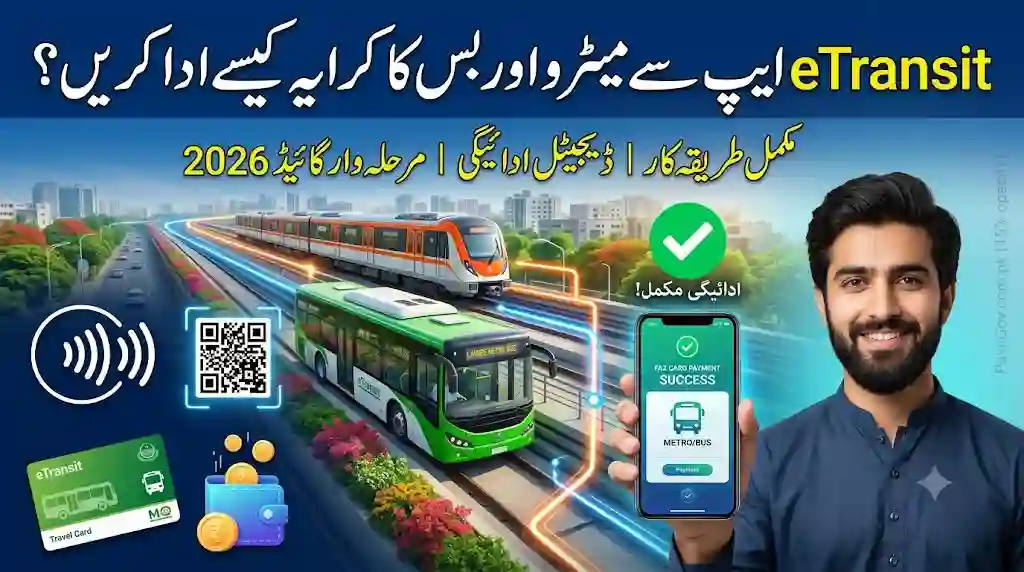
Public transportation in Punjab is becoming more convenient with the introduction of digital fare payment solutions. Instead of carrying cash or waiting in long queues for tickets, passengers can now pay fares using the eTransit Mobile App. The app provides a secure and user-friendly way to travel on supported public transport services by combining digital fare payment, QR ticket generation, wallet management, and journey planning in one place.
Whether you are a student, office worker, or daily commuter, the eTransit Punjab Mobile App helps simplify your travel experience. This guide explains how to pay Punjab Metro and bus fares using the app, how the digital wallet works, how to recharge your account, and how to use the QR ticket system efficiently.
What Is the eTransit Mobile App?
The eTransit Mobile App is a digital platform designed to improve public transportation services across Punjab. It allows passengers to manage various travel-related activities directly from their smartphones.
Instead of using traditional paper tickets, passengers can use a digital wallet and QR-based ticketing system to complete fare payments quickly and securely.
The application also includes several useful features such as:
- Digital Fare Payment
- QR Ticket
- Journey Planner
- Virtual Travel Card
- Wallet Top-Up
- Bus Route Information
- Travel History
- Passenger Account Management
These features help make public transportation easier and more organized.
Why Choose Digital Fare Payment?
Digital fare payment offers several advantages compared to traditional cash payments.
Benefits include:
- Faster boarding
- Cashless travel
- Secure transactions
- Easy wallet management
- Digital payment history
- Convenient travel experience
Passengers no longer need to carry exact cash or wait for ticket issuance before boarding.
How Does the eTransit Fare Payment System Work?
The fare payment system is simple and designed for everyday commuters.
Instead of purchasing paper tickets, passengers use their digital wallet balance to pay fares electronically.
The process involves:
- Registering an account.
- Adding money to the wallet.
- Generating a QR Ticket.
- Scanning the QR code using the validator available on supported buses or metro services.
- Automatic fare deduction from the wallet.
The entire process takes only a few seconds.
Step 1: Download the eTransit Mobile App
The first step is downloading the official application.
Android Users
- Open Google Play Store.
- Search for eTransit Punjab.
- Install the application.
- Open the app.
iPhone Users
- Open Apple App Store.
- Search for eTransit Punjab.
- Download the application.
- Launch the app.
After installation, you can proceed with registration.
Step 2: Register Your Account
New users need to create an account before accessing digital services.
Registration usually requires:
- Full Name
- Mobile Number
- Email Address (if applicable)
- Password
- Verification Code
After successful verification, users can log in and access the app’s features.
Step 3: Access Your Digital Wallet
Every registered account includes a digital wallet.
The wallet is used to:
- Store travel funds
- Pay fares
- View wallet balance
- Check payment history
- Recharge funds
Before traveling, ensure that your wallet has sufficient balance.
Step 4: Recharge Your Wallet
To make fare payments, passengers must first add funds to their wallet.
The application provides a Wallet Top-Up feature.
Generally, the process includes:
- Selecting the Wallet Top-Up option
- Generating a payment reference (PSID)
- Completing the payment through supported banking channels
- Waiting for wallet balance confirmation
Once the balance is updated, the wallet is ready for travel.
Step 5: Plan Your Journey
Before leaving home, passengers can use the Journey Planner.
The planner helps users:
- Find suitable routes
- Locate bus stops
- Estimate travel time
- View transport information
- Select convenient travel options
Planning your journey in advance can help reduce travel delays.
Step 6: Generate Your QR Ticket
After ensuring sufficient wallet balance, passengers can generate a QR Ticket within the application.
The QR Ticket acts as a digital travel pass for supported transport services.
Benefits include:
- No paper tickets
- Quick validation
- Faster boarding
- Secure payment
- Digital record of travel
Step 7: Board the Metro or Bus
When boarding a supported Metro or bus service:
- Open the eTransit App.
- Display the QR Ticket.
- Scan the QR code using the validator available inside the vehicle.
After successful validation, the fare is automatically deducted from the wallet balance.
Passengers can then continue their journey without needing cash.
Using the Virtual Travel Card
The application also offers a Virtual Travel Card.
Instead of carrying a physical travel card, passengers can use the digital version stored inside the app.
Advantages include:
- Easy accessibility
- Convenient travel
- Digital validation
- Secure usage
This feature is especially useful for frequent commuters.
Checking Your Travel History
The application keeps a record of completed journeys.
Passengers can view:
- Previous trips
- Fare payments
- Wallet deductions
- Transaction history
This helps users monitor travel expenses and manage their budgets more effectively.
Managing Your Account
The My Account section allows passengers to manage their profile.
Users can:
- Update personal information
- View wallet balance
- Review travel history
- Check payment records
- Manage account settings
Everything is available from one dashboard.
Tips for Smooth Digital Fare Payments
To ensure a hassle-free experience:
- Keep your wallet funded before traveling.
- Recharge the wallet when the balance is low.
- Open the QR Ticket before boarding.
- Keep your smartphone charged.
- Update the application regularly.
- Protect your login credentials.
These simple practices can help prevent delays during travel.
Benefits of Paying Metro and Bus Fare Using the eTransit App
Using the eTransit Mobile App provides many advantages.
Convenient Payments
Digital fare payments remove the need to carry cash.
Faster Boarding
QR code validation speeds up passenger entry.
Improved Travel Planning
Passengers can organize their journeys using built-in route information.
Secure Transactions
Electronic payments provide greater security than carrying cash.
Easy Expense Tracking
Travel history helps users review previous fare payments.
Better User Experience
The application combines several transport services into one platform.
Frequently Asked Questions About Punjab Metro Fare Payment
Is the eTransit Mobile App free?
Yes. Downloading and using the application is free.
Can I pay bus fares without cash?
Yes. The application supports digital fare payments using the in-app wallet.
What is required before paying the fare?
Passengers should register an account and ensure that their digital wallet has sufficient balance.
Does the app support QR Ticket payments?
Yes. QR Ticket generation is one of the application’s key features for supported transport services.
Can I check previous fare payments?
Yes. Users can access wallet transactions and travel history through the application.
Punjab Public Transport App Final Thoughts
The eTransit Mobile App is helping modernize public transportation by introducing convenient digital services for passengers across Punjab. Through features such as Digital Fare Payment, Journey Planner, QR Ticket, Virtual Travel Card, Wallet Top-Up, and Travel History, the application makes commuting easier, faster, and more organized.
If you regularly travel using Punjab’s public transport system, learning how to pay Metro and bus fares through the eTransit Mobile App can save time and simplify your daily commute. With cashless payments, easy route planning, and secure wallet management, the app provides a practical solution for today’s digital travelers.